Access to a project folder
ONLINE ACCESS via browser
You and your colleagues can easily log in to the ZMT DataCloud platform online from an internet browser. Login to:
Server name: https://datacloud.leibniz-zmt.de
Username: ZMT username (three letters) or e-mail for project partners
Password: your ZMT password for ZMT members or ZMT DataCloud password for project partners
You will see an overview of all your projects folders on the main page. When you open one of your project folders, you will see a prepared structure that will help you organize your data and documents. Here you can find a description about the project folder structure.
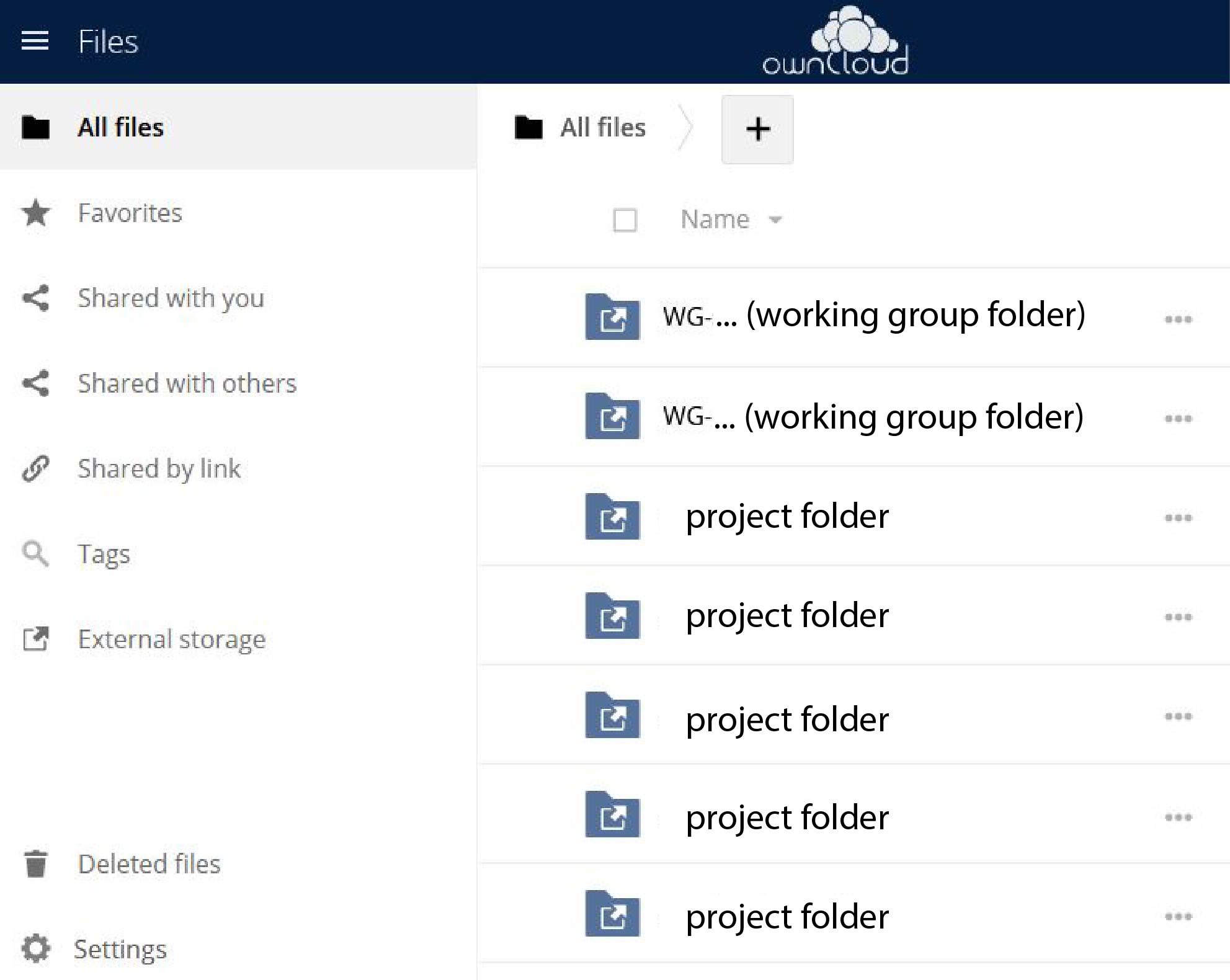
Browser view of the DataCloud.
If you are working with colleagues outside ZMT who do not have a ZMT account, please ask your working group leader to make a request for an account via our registration platform .